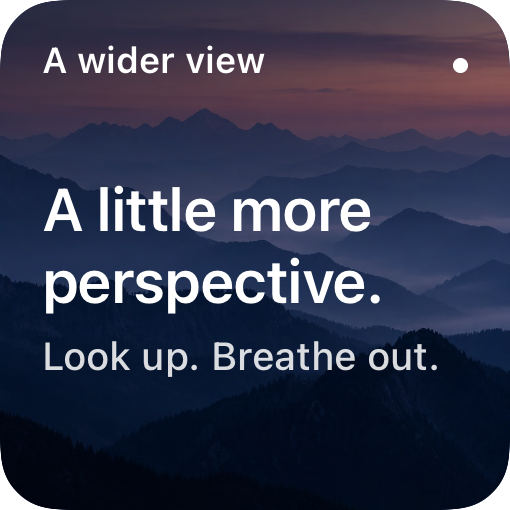
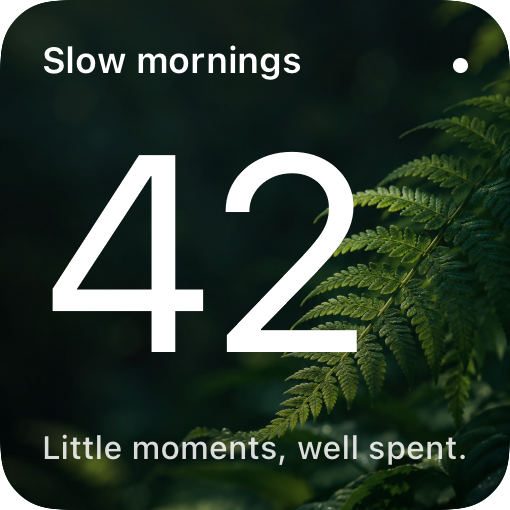
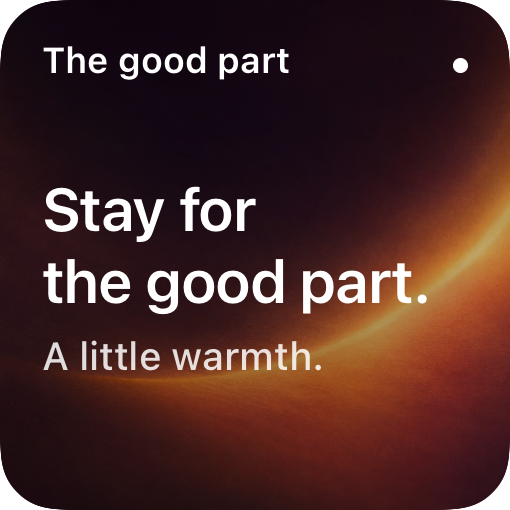
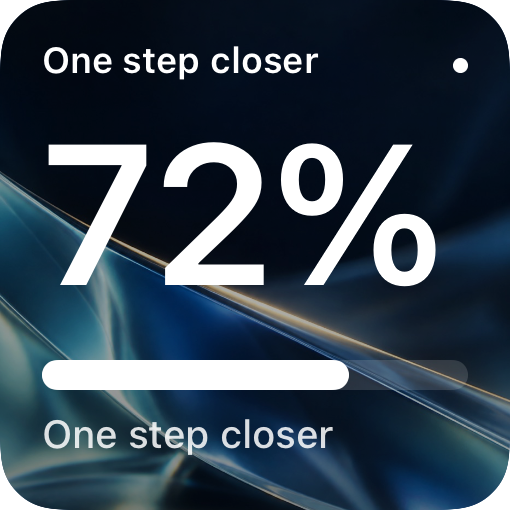
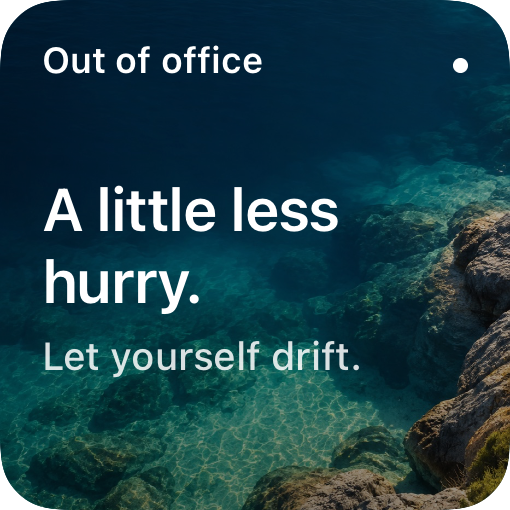
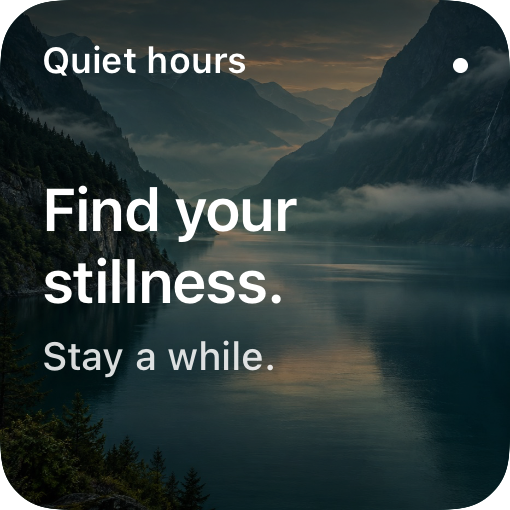
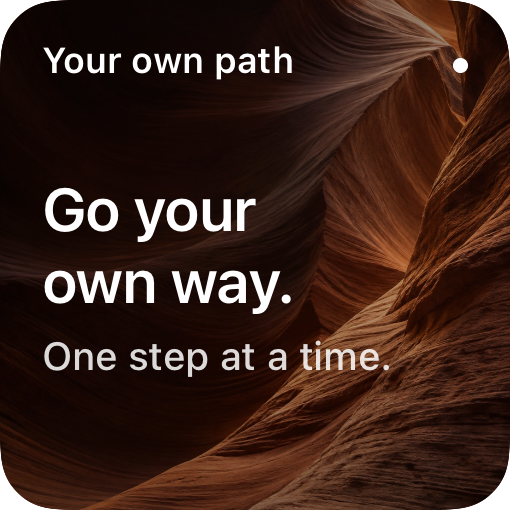
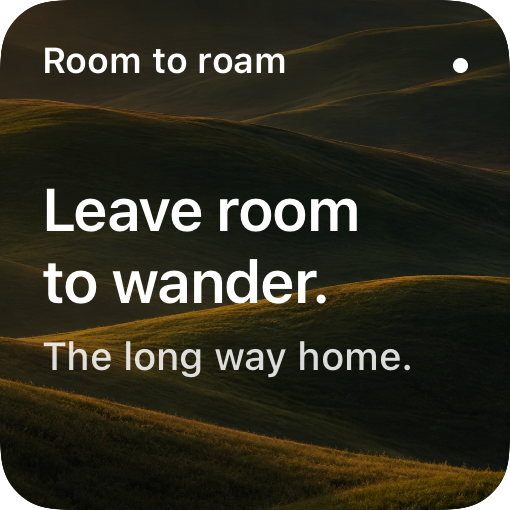
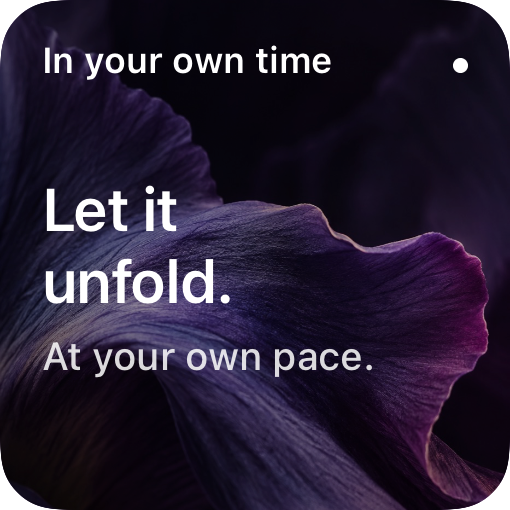
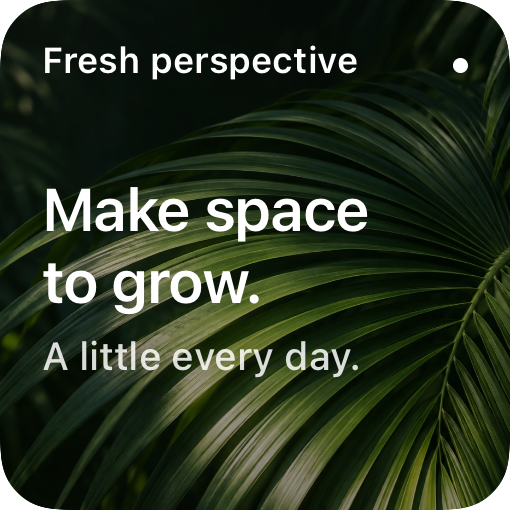
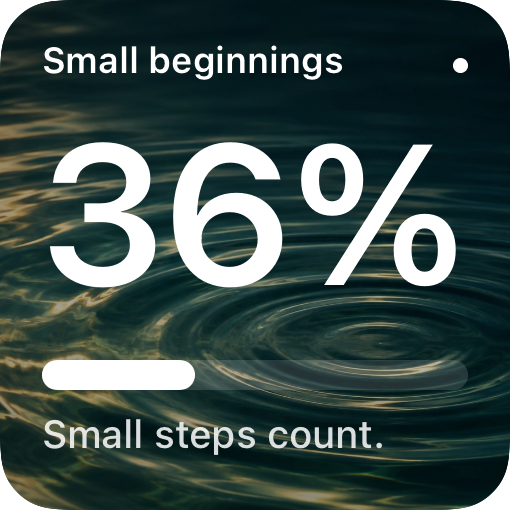
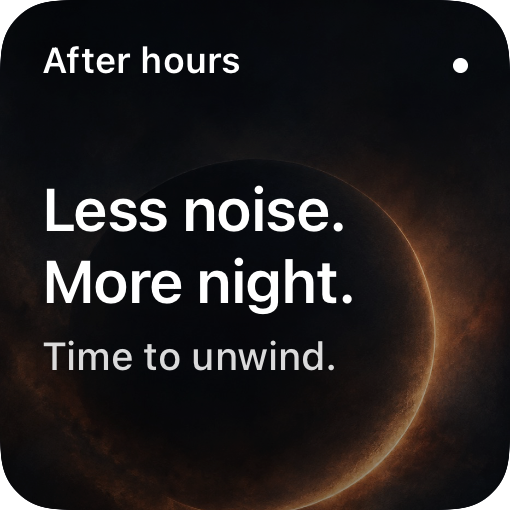
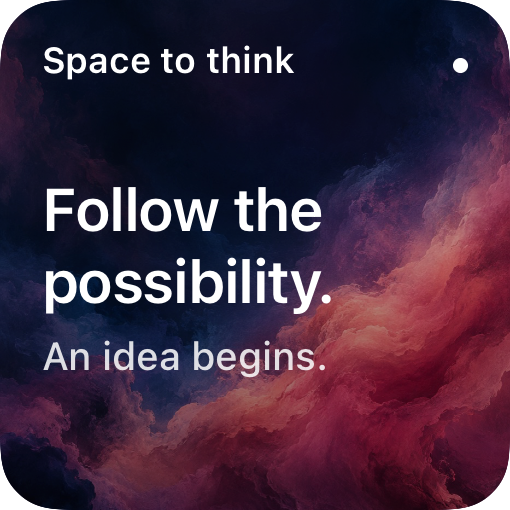
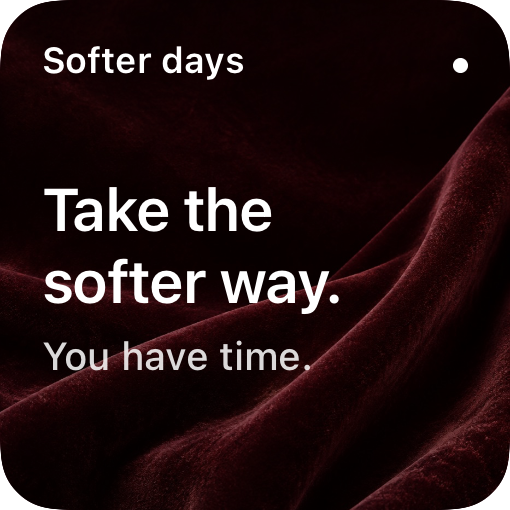
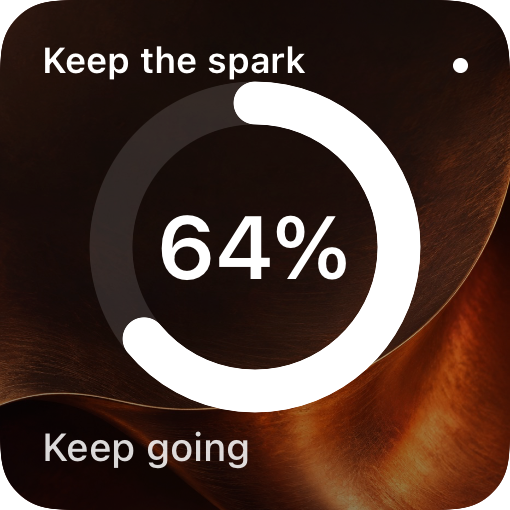
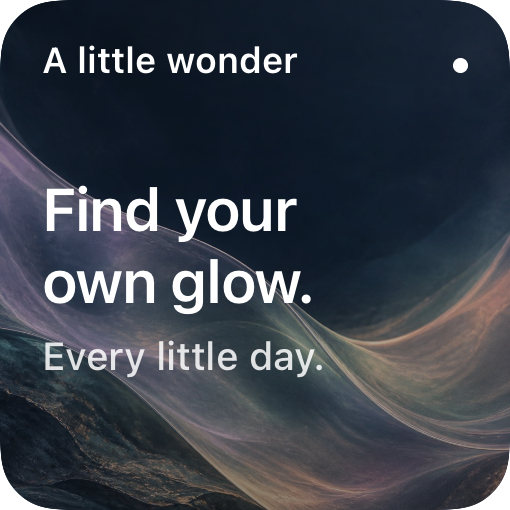
Custom widgets. Connected to you.
Your widgets.
Your way.
Design something that’s yours. Connect Google Sheets or JSON endpoints,
or start with your own text and photos. Beautiful on the outside.
Powerful underneath.
Made for iPhone. No account required.
Your words
Less noise.
More space.
Your next chapter64%
One chapter at a time.
Actual app preview · illustrative widget examples
18 layouts to make yours7 design sizes0 accounts to create
Good design. Ready to go.
Make it useful.
Make it yours.
A goal you're working toward. A line you want to remember. The next
thing on your list. Start with what matters to you.
01 / FIND YOUR FORM
A good starting point.
A look that's your own.
Start with a ready-made design or choose from numbers, charts,
lists and dates. Browse by category and preview your size.
02 / MAKE IT PERSONAL
Fine-tune the feeling.
Start with a style or one of twenty original scene backgrounds.
Add your favorite type, colors and photos. See every change as you make it.
Powered by Google Sheets or JSON endpoints
Your data.
The missing connection.
Turn a Google Sheet or JSON endpoint into a widget powered by
your own data. Bring project lists, goals and key numbers to your
Home Screen, Lock Screen or full-screen design. No connection?
Just type your own text or number.
- Reuse one connection across multiple widgets
- Choose a column, a single cell or your own text
- Keep API keys in the iOS Keychain
Connect your first data source →
iOS manages refresh timing. Updates aren't instant or guaranteed
on a fixed schedule.
▦
Your Google SheetA small goal. A growing number.
↓
Illustrative example · connect your own sheet or endpoint
Optional / advanced customization
Go beyond
the template.
Ready-made templates handle the everyday. Want complete control?
Layout JSON lets you arrange text, stacks, bars and rings in a custom canvas,
then bind them to your data. It’s an optional power tool, never a setup step.
Explore custom layouts ↗
{ } A little layout. A lot of possibility.
{
  "type": "text",
  "text": "Made by me",
  "size": 28
}
One component inside your custom template.
Design. Connect. Make it yours.
Three small steps.
One very you screen.
1
Pick a template.
Choose a ready-made look with content already in place, or a
layout that fits your information.
2
Make it yours.
Add personal content or connect data. Play with the type, colors
and background.
3
Give it a home.
Save your design, then follow the in-app guide to add it to your
Home or Lock Screen.
↳
Your information stays your business
Personal by nature.
Private by design.
No WidgetWire account. No analytics in the app. Designs stay on your
device, and connected data travels directly from your chosen source.
Our privacy policy ↗
A few useful things to know
Before you
make it yours.
Do I need to write code?
No. Start with a ready-made template and use the visual editor to
change its content and style. Layout JSON is an optional advanced
tool for complete design control. Connecting a JSON data endpoint
does not require writing a JSON layout.
Do I need a spreadsheet?
No. You can type your own text or number directly into a widget. A
connection is optional, for information you want to refresh.
Does it work on the Lock Screen?
Yes. WidgetWire supports circular, rectangular and inline Lock
Screen widgets, as well as small, medium and large Home Screen
widgets. Available layouts adapt to the size you choose.
Can I connect a private Google Sheet?
Google Sheets must be shared with anyone who has the link.
WidgetWire doesn't sign in to Google. Private JSON APIs can use a
bearer token, custom header or query key stored in Keychain.
Can I make a full-screen widget?
Yes. Choose Full Screen to design a portrait widget with more
room for your content, including up to 12 list rows. Power it
with Google Sheets or a JSON endpoint, or use your own fixed
content. You can create and preview it on older iPhones; adding
this size to your Home Screen requires iOS 27 and a compatible
WidgetWire build.
Does the app install widgets for me?
iOS handles installation. Save your design in WidgetWire, then use
the Home or Lock Screen widget picker to add WidgetWire and select
your design. The app walks you through it.
When can I download it?
WidgetWire is being prepared for release. There isn't an App Store
listing yet; this page will link directly to it when the app is
available.

WidgetWire for iPhone
Your screen.
Your rules.
Coming to the App Store ↗
In development for iPhone · iOS 17 or later
No download
available yet.